Your agents keep working. Stay in control from your iPhone.
Run Claude Code and Codex on your computer, then follow live runs, send follow-ups, ship pull requests and stop a run from anywhere.
Requires Synara Desktop on your computer and a Synara Alto plan.
Stay in the loop
Away from your desk? Control Claude Code and Codex from your iPhone.
Pair with Synara Desktop and your coding agents come with you: live activity, your projects and every conversation you started on your computer.
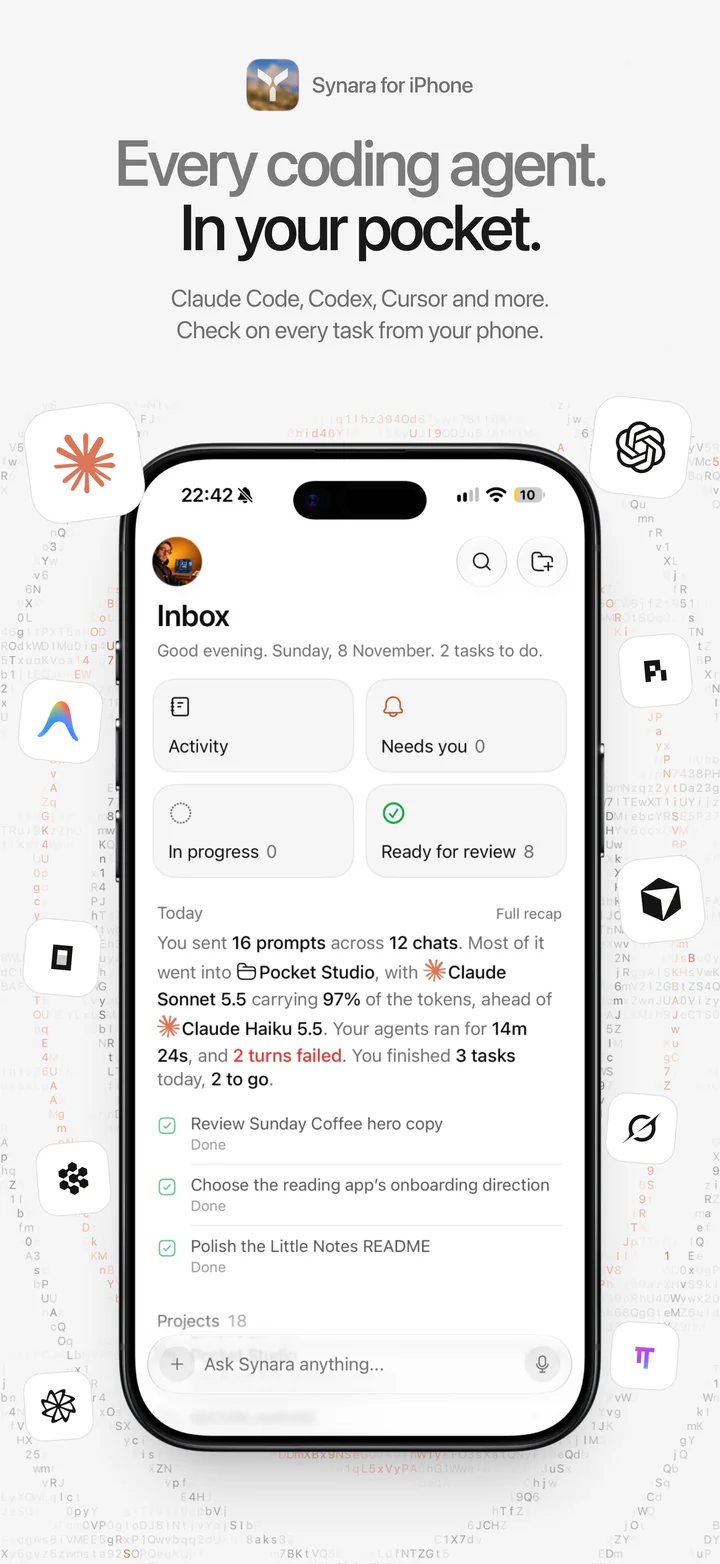
Every coding agent. In your pocket.
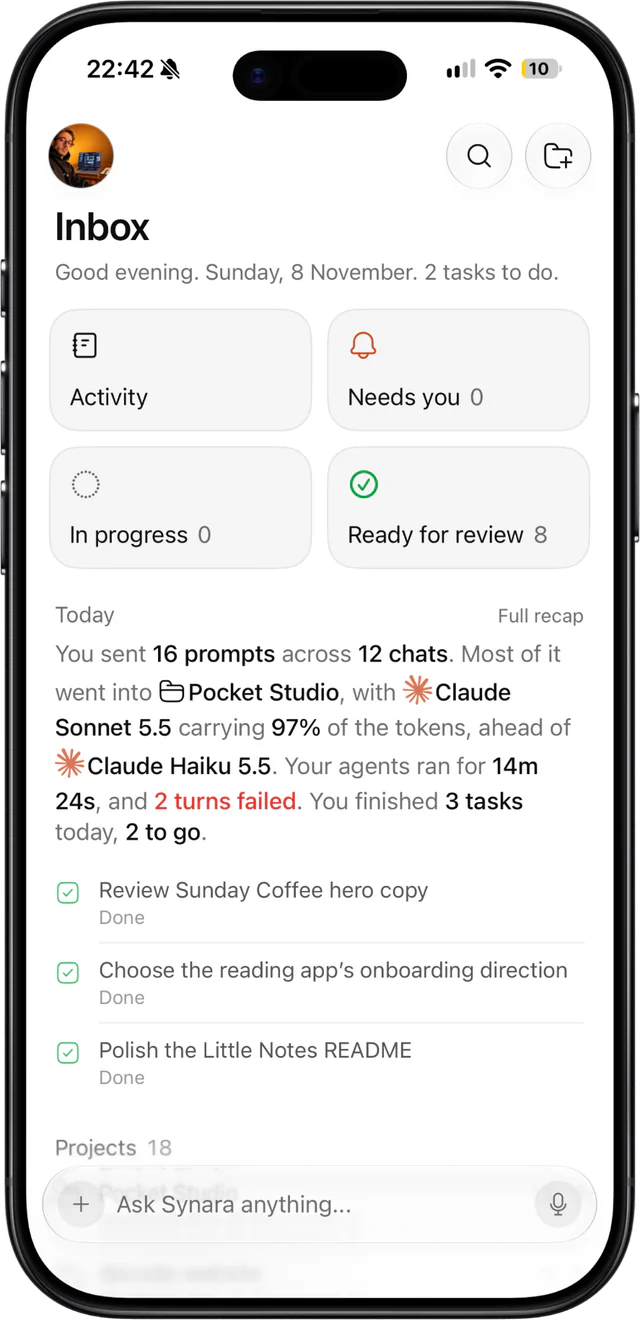
Claude Code, Codex, Cursor and the other agents you run in Synara Desktop come with you. The Inbox opens on what needs you, what is in progress and what is ready for review, with a recap of your day.
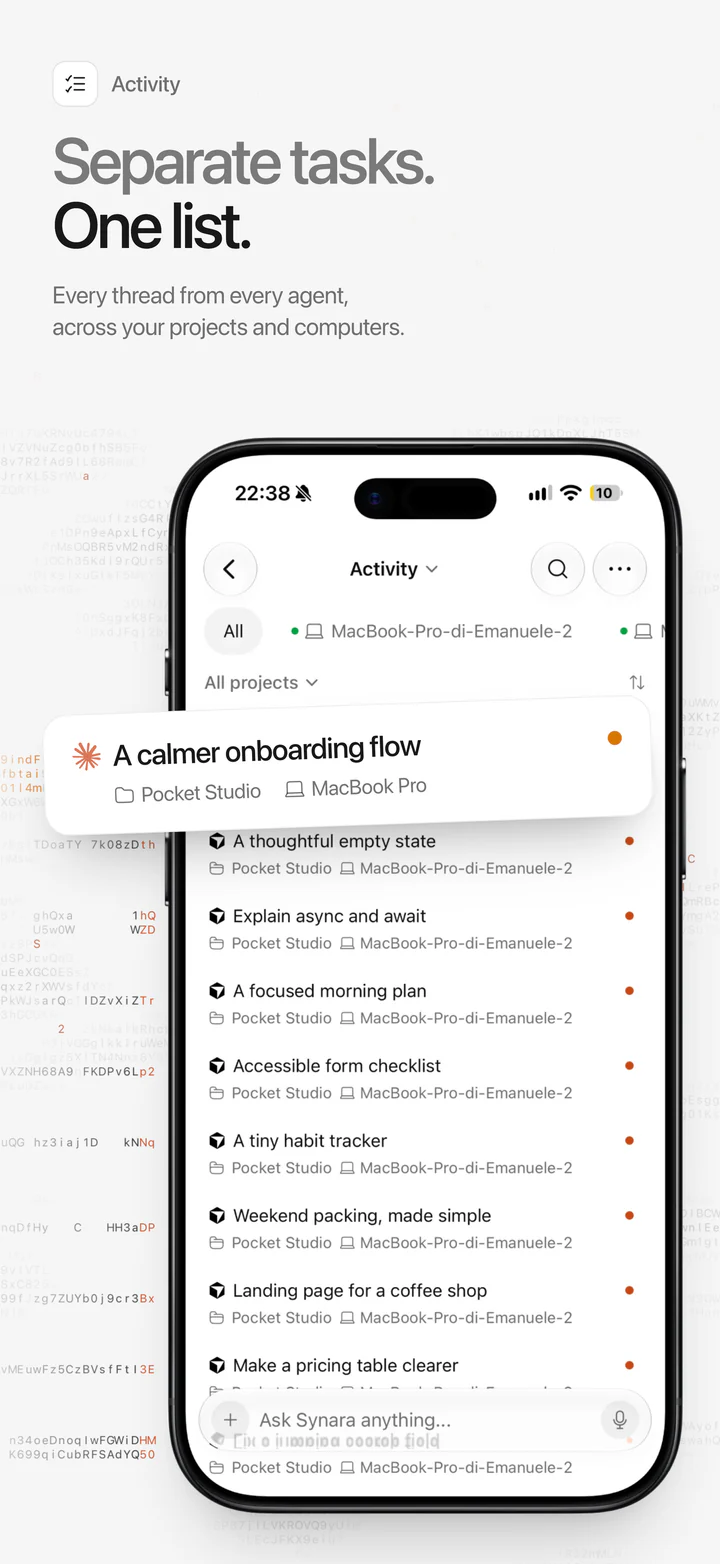
Separate tasks. One list.
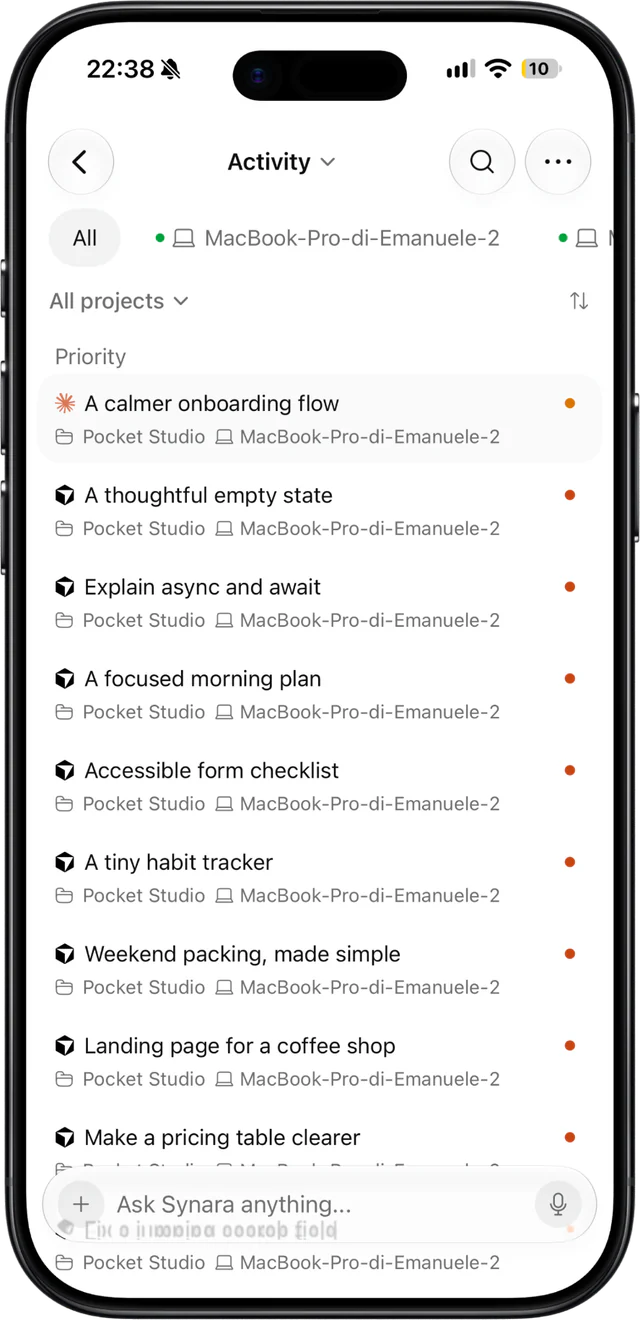
Every chat from every agent, across your projects and paired computers, in one list. Priority first, then today, so you see at a glance what is still running and what is done.
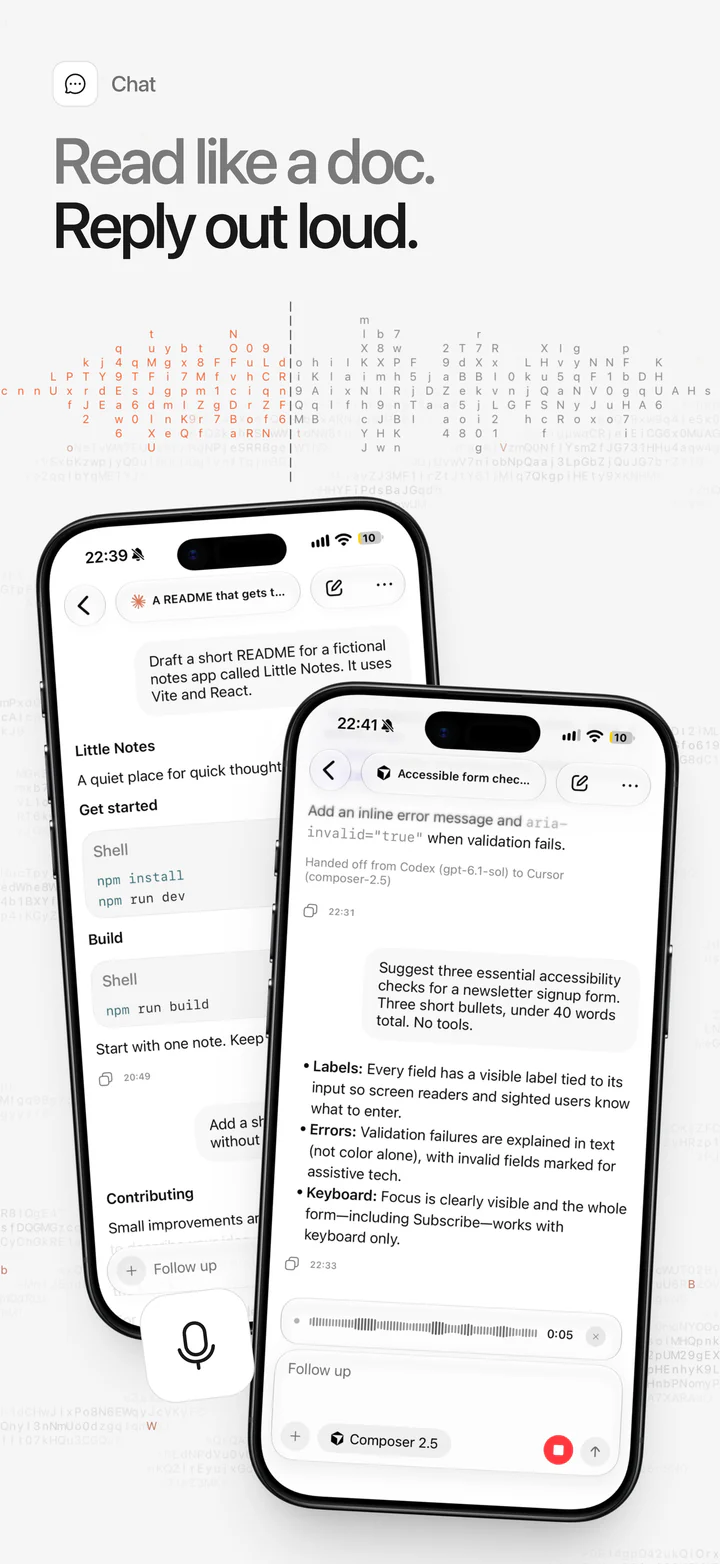
Read like a doc. Reply out loud.
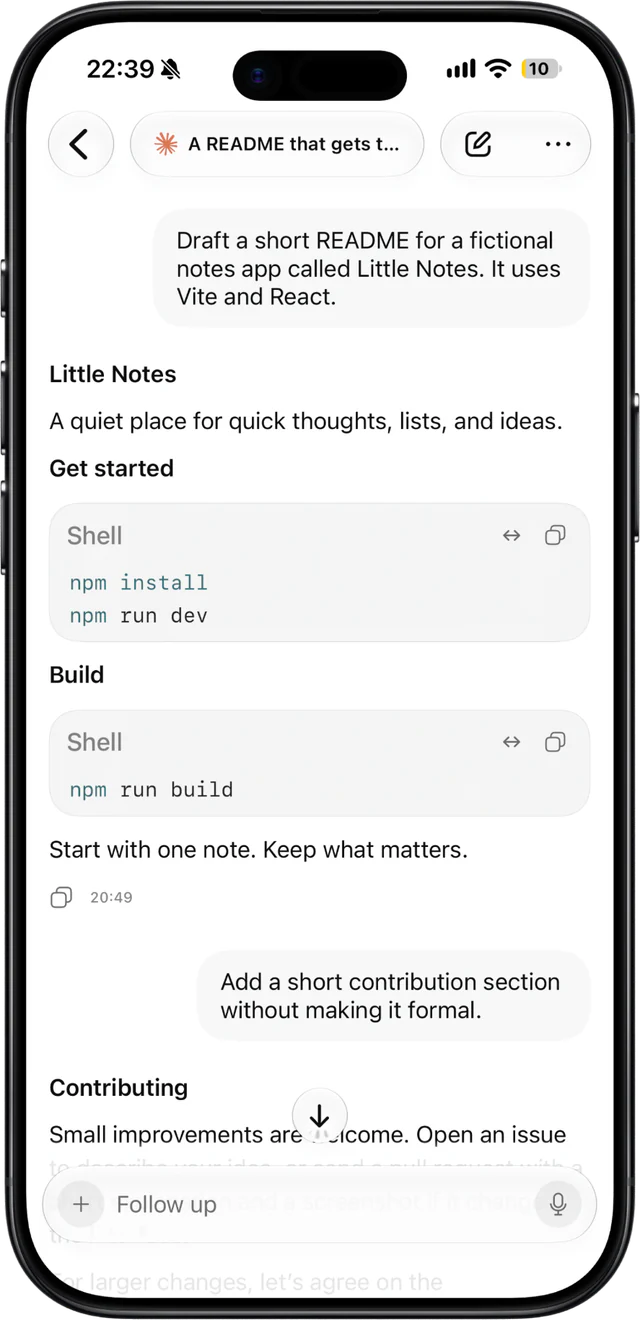
Replies stream in like a document, code blocks included. Send a follow-up while the agent works, dictate it with voice input, or stop the run with one tap.
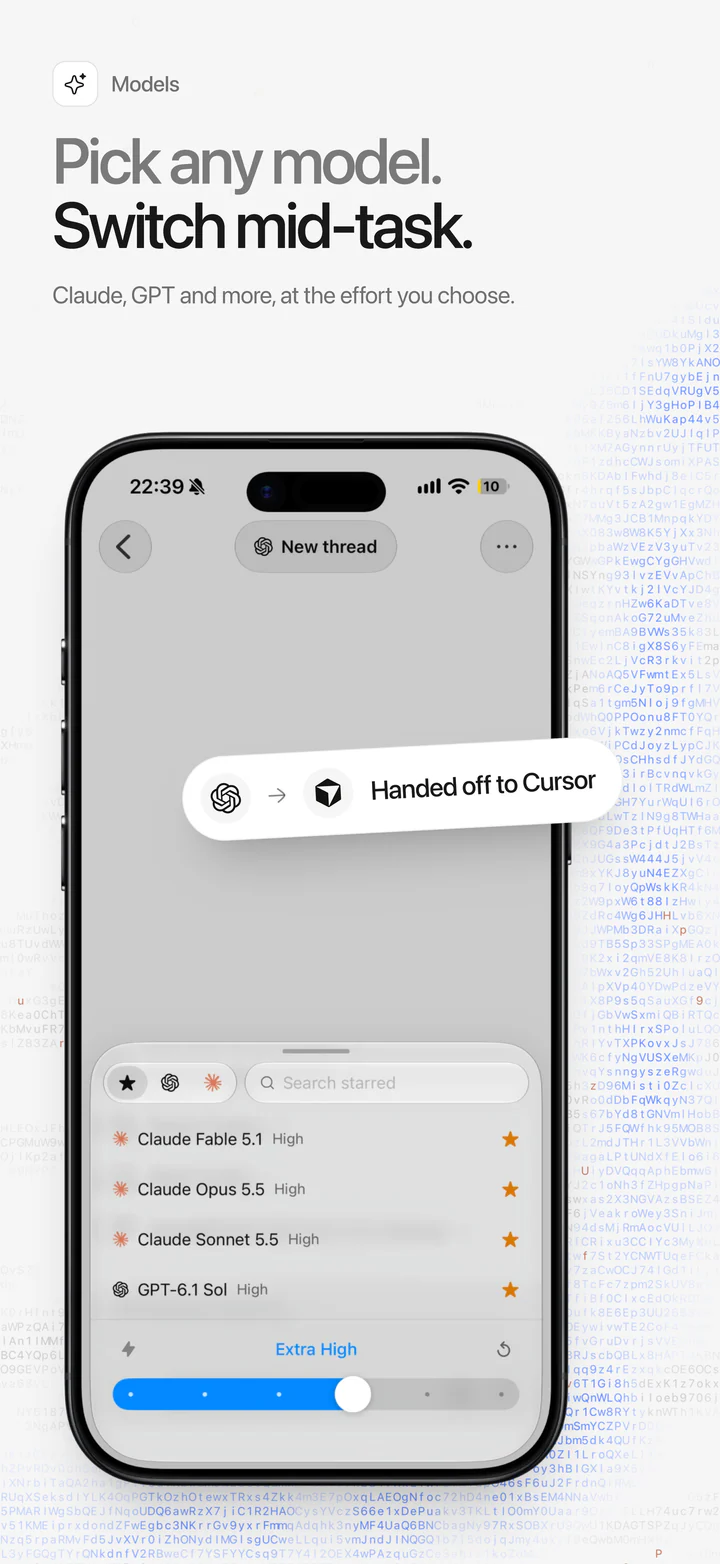
Pick any model. Switch mid-task.
Pick any model your computer offers and the effort it puts in. Hand a chat to another agent and it continues where the last one stopped.
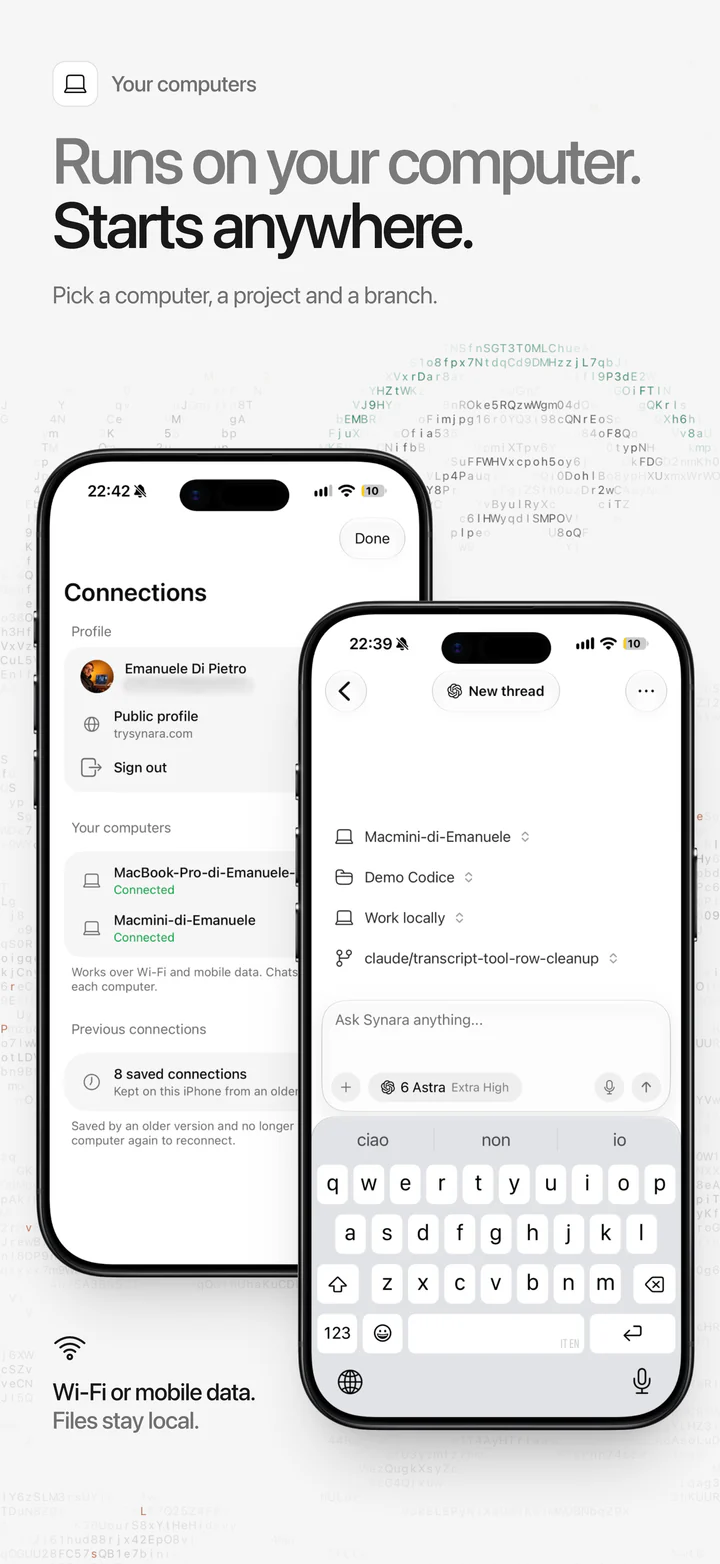
Runs on your computer. Starts anywhere.
Pick the computer, the project and the branch before you ask. It works over Wi-Fi or mobile data, and your code never leaves the computer.
Built for real workflows
Not a viewer. Everything you need to keep a run moving.
Review the diff, push the branch and open a shell, all on the computer that runs your agents.
Review code changes
Read the diff of every file an agent touched and browse the project's files.
Git and pull requests
Commit, push, pull and switch branches, and follow the pull requests your agents open. Git runs on your computer.
A native SSH terminal
Open a shell when you need one. It connects straight from your iPhone.
Photos and files
Add screenshots, photos and files to any conversation.
How it works
Pair once. Then take your agents anywhere.
Your iPhone pairs with Synara Desktop the way a second computer does, and reconnects on its own after that.
Install Synara Desktop
Install Synara on your computer and set up a coding agent such as Claude Code or Codex.
Get the iPhone app
Join the TestFlight beta, install Synara and sign in with your Synara account.
Scan to pair
On your computer, open Settings → Connections → Connect a device and scan the QR code, or open a pairing link.
Approve your iPhone
Approve the phone on your computer. From then on it reconnects on its own, at home or away from your network.
Privacy
Your iPhone steers. Your code stays on your machine.
Coding agents run on your connected computer, using the provider accounts you set up there.
Your computer does the work
Agents, provider accounts, Git and your files stay on your computer. Your iPhone sends the prompts and shows the results.
Only devices you approve
Your computer approves each iPhone by its own device key, held in the Secure Enclave. Revoke it anytime from Settings → Connections.
Encrypted to your computer
Sessions use TLS 1.3 pinned to the computer you paired, so nothing in between can read them, even over managed connections.
Questions, answered before you pair.
Agents, your code, Synara Alto and what your computer needs.
Synara for iPhone and iPad is in public beta on TestFlight. Install Apple's TestFlight app, open the invite at https://testflight.apple.com/join/56E3Edeu and install Synara. The App Store release comes next.
Claude Code, Codex, Cursor and more: the agents you set up in Synara Desktop. They run on your connected computer, with the provider accounts you set up there, and your phone controls them through Synara Desktop.
Your code stays on your machine. Agents, Git and your files stay on the computer that runs them. The iPhone keeps a local cache of the conversations and files you open, plus any messages you have not sent yet.
Yes. Keep Synara Desktop open and your computer awake and online. Messages you send while it is out of reach wait on your phone and go out once it is back.
Remote access from your iPhone is part of Synara Alto, $9.99 a month or $79.99 a year. Synara Desktop stays free and open source.
Yes. Pair as many computers as you like and switch between them. Each keeps its own projects, chats and models, and a new chat picks its computer first.
Yes. Remote Connections pair two computers running Synara Desktop on macOS, Windows or Linux, with the same Synara Alto subscription.
Synara for iPhone
Your agents, in your pocket. Start a run at your desk and finish it anywhere.
Synara for iPhone and iPad is in public beta on TestFlight. Requires Synara Desktop on your computer and a Synara Alto plan.